Manyoni Crochet Studio
Wear Culture. Move Different.
Handmade crochet designed for the bold generation — clean fits, soft comfort, and authentic African creativity in every stitch.
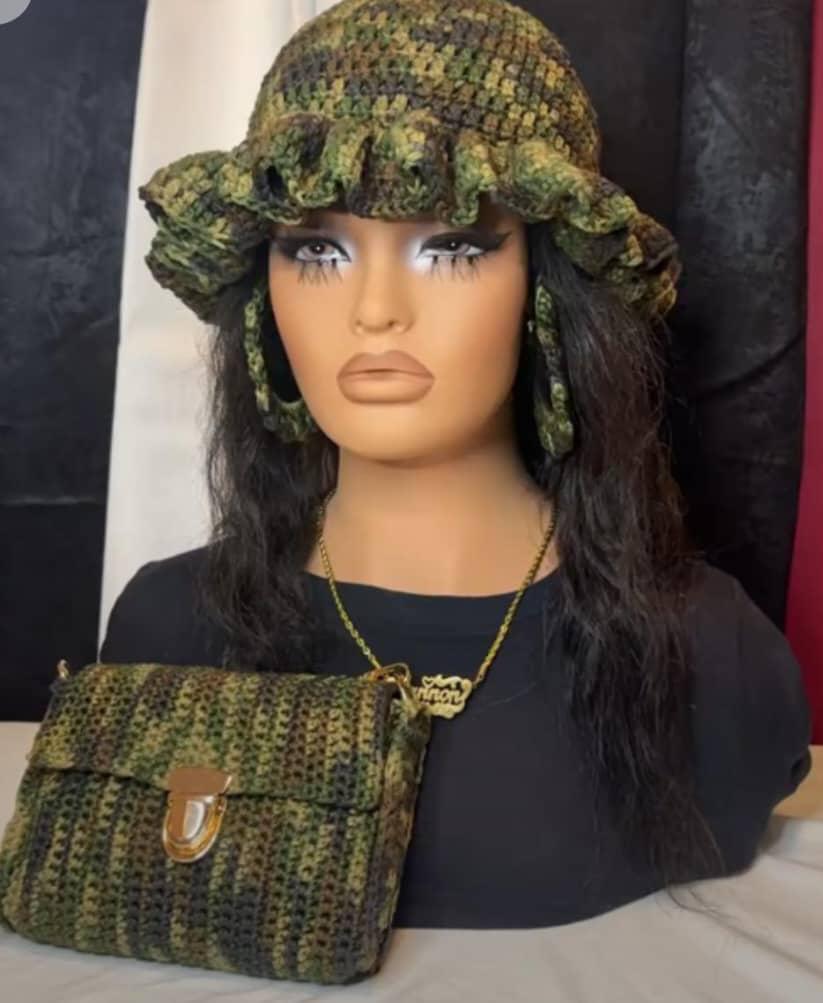
Made by hand
Soft texture. Sharp presence.
From plush bags to sculpted hats, each piece is crafted slowly for comfort, detail, and a look that feels personal.
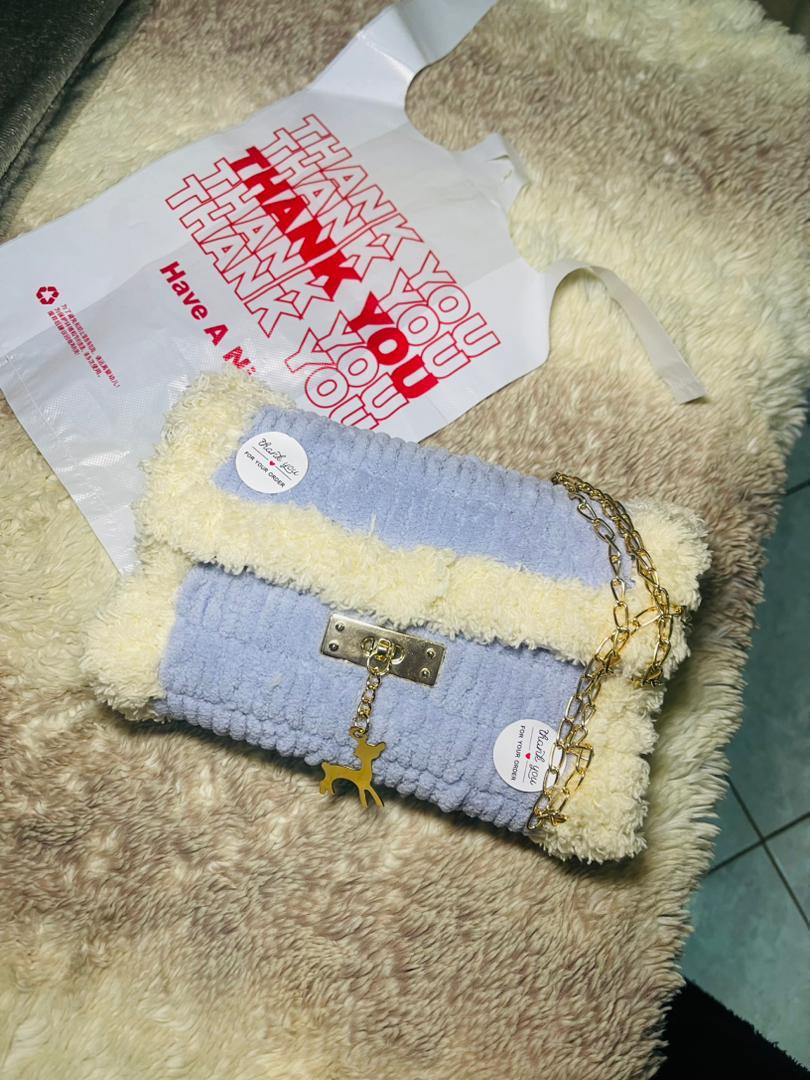
Custom pieces
Built around your style.
Choose your colors, fit, and finish. Manyoni custom orders turn your idea into a wearable handmade statement.
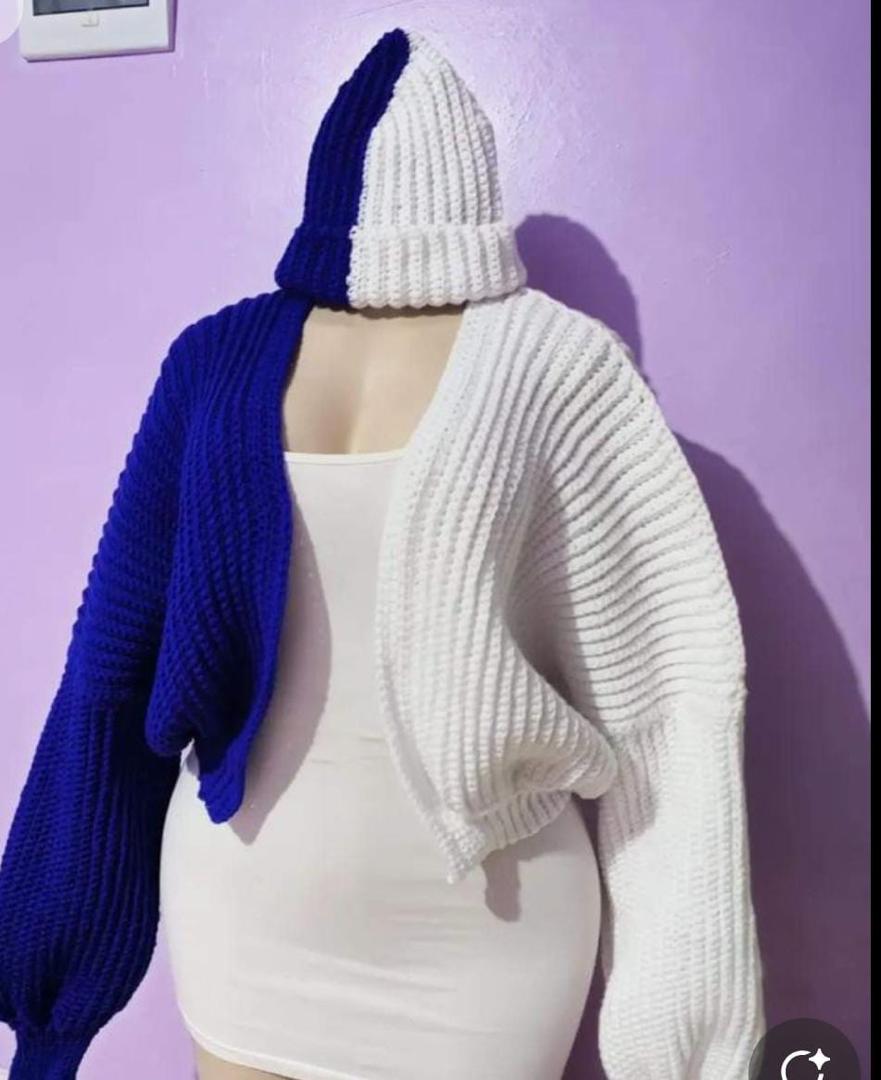
HandmadeSlow fashion
Designed inZimbabwe
CustomMade to order
FeelSoft comfort
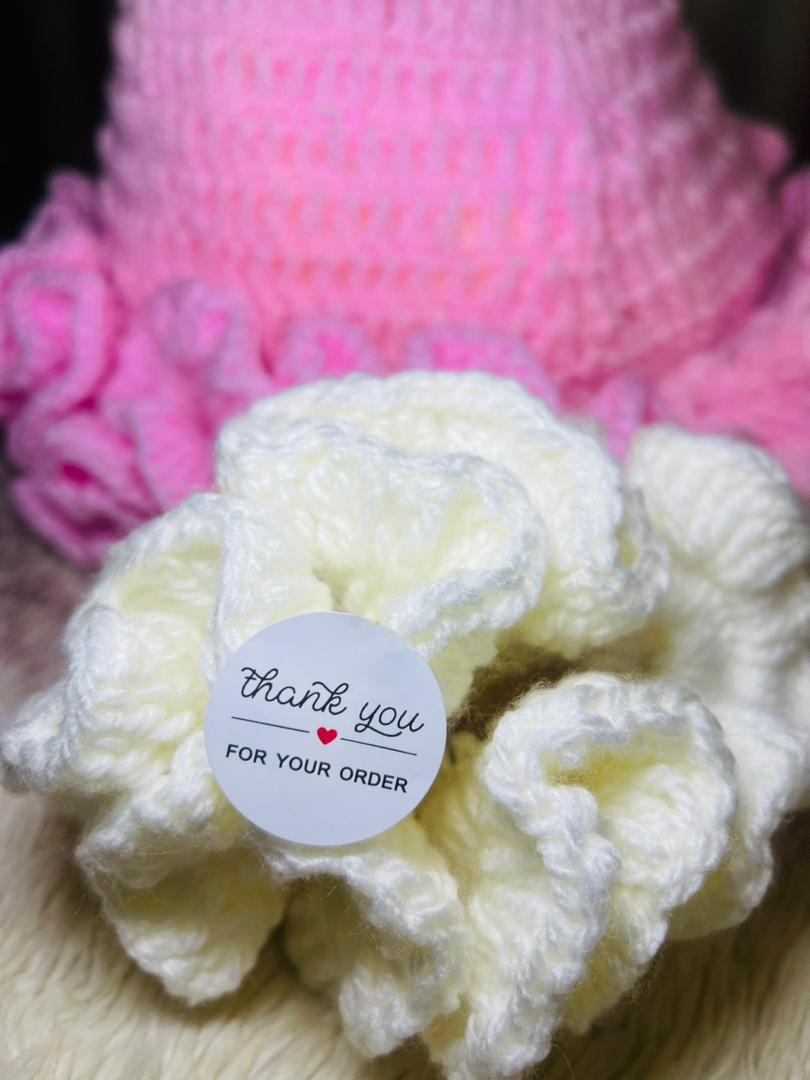
The Studio
Modern crochet made for daily movement.
Every Manyoni piece is shaped by hand with attention to fit, texture, and finish. The result is easy to wear, quietly expressive, and rooted in African creativity.
Read our story